
PhotoRoute
Turn travel photos into maps
Take it with you
Download on the App Store (opens in a new tab)An iOS app that automatically creates route maps from your travel photos by reading their location data, with options to import GPX files or draw custom routes.
About the business
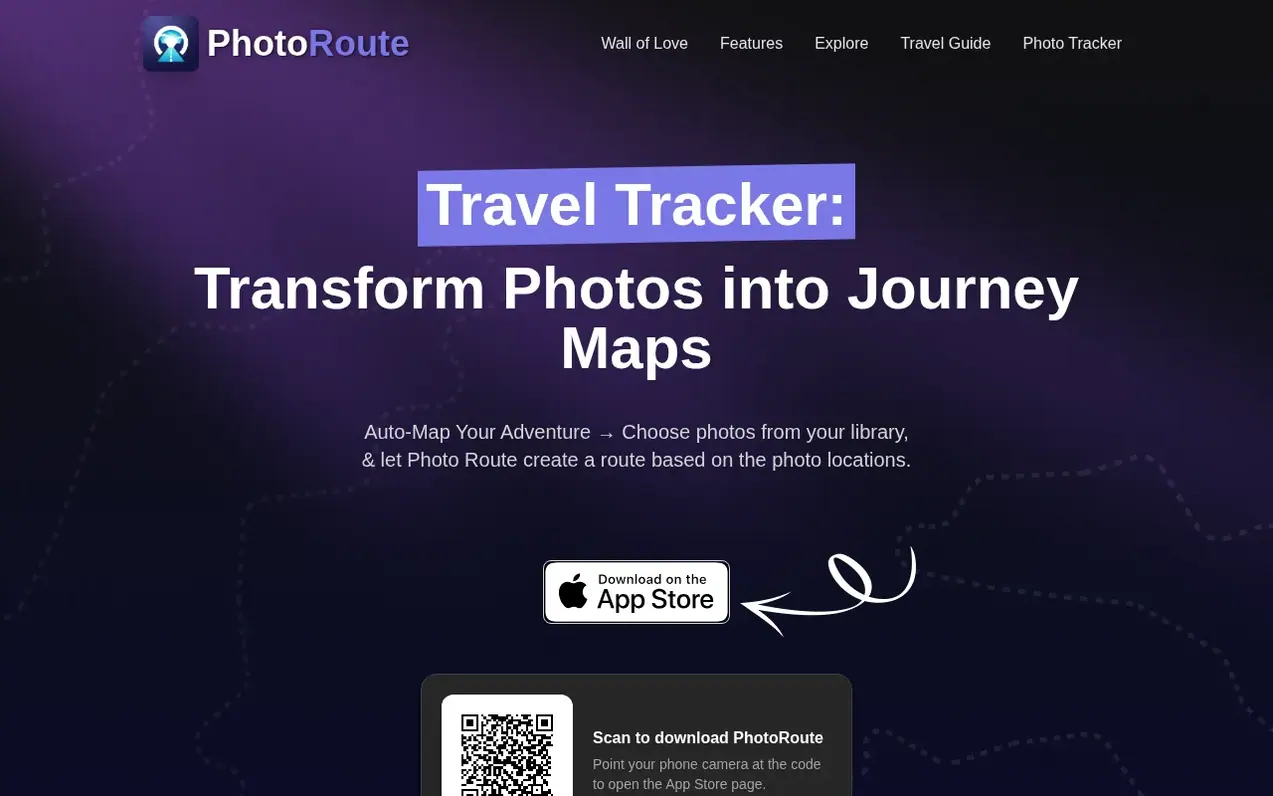
PhotoRoute is an iOS travel tracker app that reconstructs your trips from geotagged photos already on your phone. Simply select photos from your journey and the app automatically creates a detailed route map showing where each photo was taken. You can also import GPX files or draw custom routes to track your adventures.
The app provides a complete travel record including the full driving route with distances and travel times, every stop on the map, a countries map with flags collected, and shareable posters or 3D flyover videos of your journey. PhotoRoute is designed for travelers who document after their trip, including road trippers, van and RV travelers, and anyone whose camera roll serves as their travel diary.
Photos are not stored within the app itself; the app simply creates links to photos in your phone's library. Users can optionally upload trips with photos to a secure server and make them private if preferred.
What you get
- Auto-track travels with photos from your library
- Import GPX files to map photos along your route
- Draw and import custom routes
- Create detailed route maps with distances and travel times
- Countries map with collected flags
- Generate shareable posters and 3D flyover videos
- Optional secure cloud upload for trips and photos
- Quick photo selection via albums
Pricing
Pricing model: Freemium
Free version available with limited features; Pro subscription offered
Neighbours ask
How does the travel tracking work?
PhotoRoute automatically tracks your travels using your photo locations. Simply select photos from your journey, and the app creates a detailed route map showing where each photo was taken. You can also import GPX files or draw custom routes to track your adventures.
Where are my photos stored?
PhotoRoute does not store any images within the app itself. The app simply creates a link to your photos in your photo library. Optionally, users can upload their trips along with photos to the web where uploads are stored on a secure server, with the option to make them private.
How can I quickly select multiple photos?
For fast selection, you can first organize your photos into albums and then select an album in PhotoRoute. Alternatively, you can tap and swipe over the images.
Leave a review for PhotoRoute
No one has reviewed PhotoRoute yet. Say something first. Reviews are free. A business can't pay for them.
PhotoRoute has a free listing. The owner can unlock the full profile with a paid launch for $5:
- Founder story (locked)
- Milestones (locked)
- Demo video (locked)
- Dofollow website link (locked)
Also opened nearby
 TravelMatchr
Travel planning
 Tourist.com
Travel planning
- Rest Reserve
Travel planning
 EasyMiles
Travel planning