
RideHop
The road trip planner for organized travelers
Web app for planning road trips with interactive maps, stop discovery, fuel cost estimates, and document storage on the Pro plan.
About the business
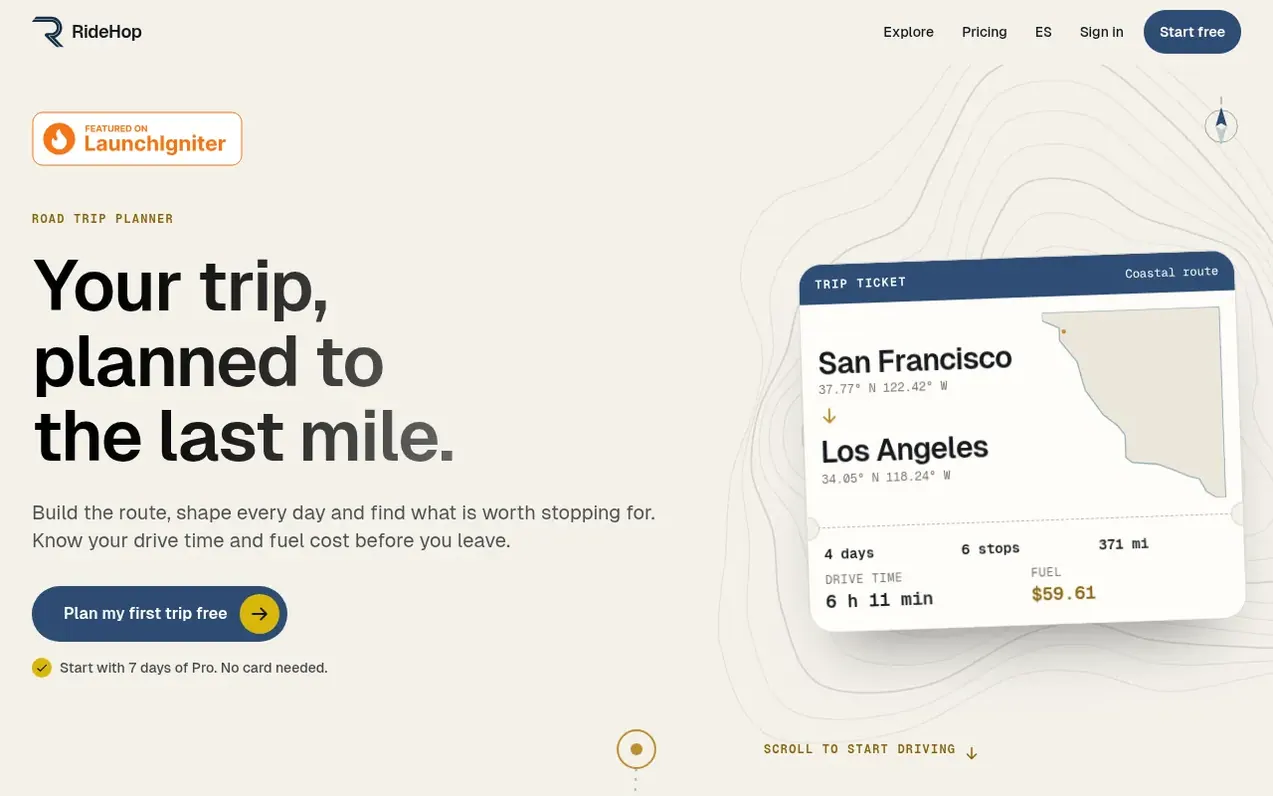
RideHop helps travelers plan road trips by building routes between two cities and organizing stops into daily itineraries. Users can add unlimited destinations and activities, discover nearby landmarks and points of interest filtered by category, and calculate fuel costs based on vehicle efficiency and gas prices. The app displays drive times, distances, and fuel estimates for each leg of the trip before departure. On the Pro plan, users can manage unlimited active trips, store travel documents organized by stop or activity, optimize route ordering, and publish trip guides on the platform's Explore section. A read-only share link lets friends view the route and activities while keeping notes, dates, stays, and documents private. Free accounts cover one active trip with all core features; Pro adds document storage, route optimization, multiple trips, and guide publishing.
What you get
- Day-by-day itinerary planning with unlimited stops and activities
- Nearby place discovery with 20 categories from Google Places
- Fuel cost estimates with gas, diesel or electric options
- Live read-only share link for trip visibility
- Document storage organized by stop or activity (Pro)
- Route optimization for Pro subscribers
- Drag-and-drop stop reordering with automatic route recalculation
- Multi-day organization with check-in and check-out tracking
- Available in English and Spanish
Pricing
Pricing model: Freemium
Neighbours ask
Is RideHop really free to start?
Yes, the Free plan covers 1 active trip with unlimited destinations and activities, fuel estimates and a live share link. Documents and route optimization are part of Pro. Every new account starts with 7 days of Pro. No card is needed to start.
Can I discover attractions near my stops?
Yes, RideHop's landmark discovery feature lets you search for nearby points of interest filtered by category — cultural sites, restaurants, outdoor activities, family-friendly spots, and more. You can add any discovery as a waypoint with one click.
What is the difference between stops and waypoints?
Stops are major locations on your route (cities, parks, hotels) that define your driving path. Waypoints are places of interest within a stop's area (attractions, restaurants, activities) that do not affect the main route, keeping your itinerary organized at two levels.
Does reordering stops recalculate the route automatically?
Yes, when you drag-and-drop stops to a new order, RideHop automatically recalculates the affected route segments. Fuel costs, distances, and drive times update in real time to reflect the new itinerary sequence.
How many stops can I add on the free plan?
RideHop Free includes 1 active personal trip with unlimited stops and activities. Fuel estimates, multi-day planning and accommodation organization are included. This works well for weekend trips. Pro adds unlimited active trips, document storage, route optimization and creator publishing. See the pricing page for current subscription terms.
Leave a review for RideHop
No one has reviewed RideHop yet. Say something first. Reviews are free. A business can't pay for them.
RideHop has a free listing. The owner can unlock the full profile with a paid launch for $5:
- Founder story (locked)
- Milestones (locked)
- Demo video (locked)
- Dofollow website link (locked)