
Congressio CLI
Official command-line tool for managing conferences from a terminal, CI pipeline or AI agent
A command-line interface for Congressio conference management software that enables scripting, CI/CD integration, and AI agent interaction without dependencies
About the business
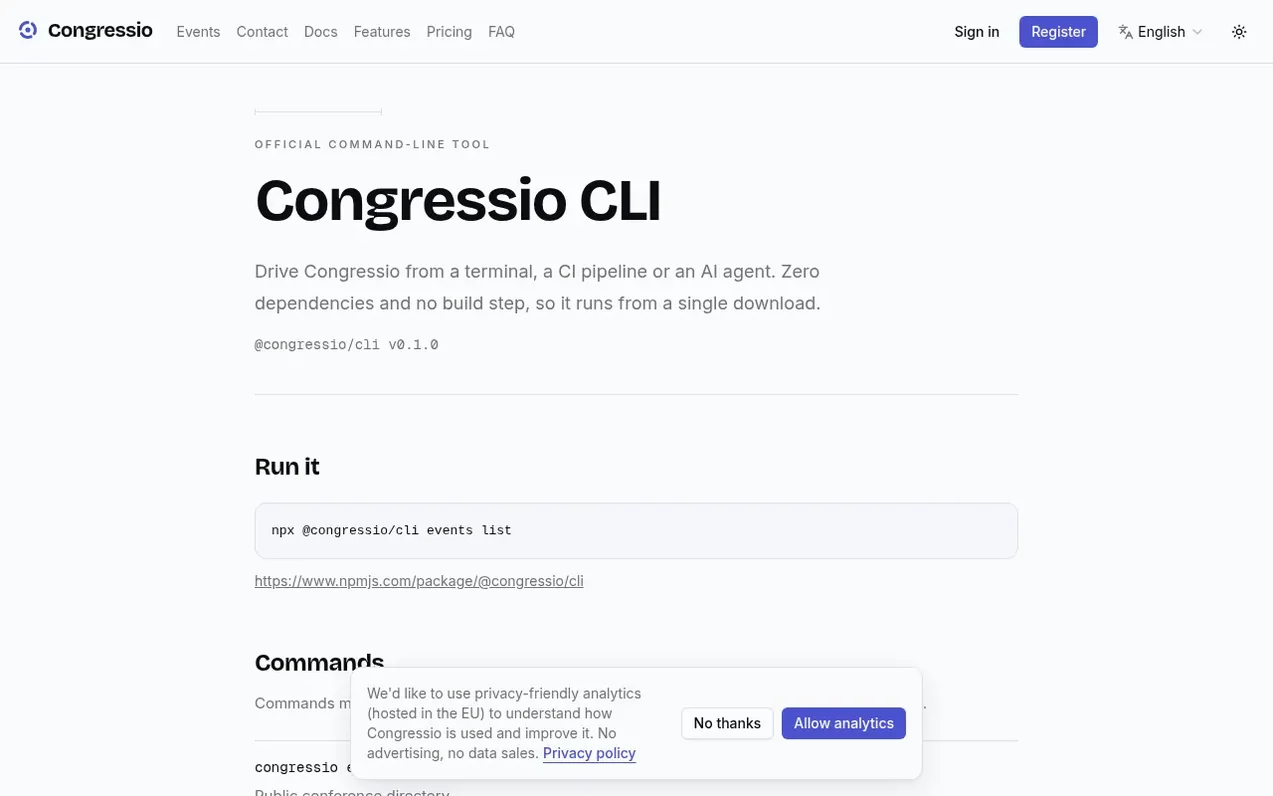
Congressio CLI is a command-line tool that brings Congressio conference management capabilities to the terminal and automation environments. It allows users to list conferences, read submissions and registrations, and register attendees without requiring credentials for public operations, or using API keys for administrative functions.
Built with scripting in mind, it provides zero dependencies and requires no build step, running from a single download. The tool includes comprehensive options for JSON output, pagination, retry logic with rate-limit awareness, and proper exit codes for integration into scripts and CI pipelines.
Features like stderr-separated progress messages ensure that JSON output can pipe directly into tools like jq, and automatic detection of deprecated endpoints surfaces breaking changes before they affect integrations.
What you get
- List public conferences
- Access organization events and drafts with API key
- List submissions with status and track
- List confirmed registrations
- Register attendees with email and name
- JSON output for scripting and AI agents
- Automatic retry with rate-limit awareness
- OpenAPI documentation access
- Deprecation header detection
Pricing
Pricing model: Open source
Neighbours ask
What commands require an API key?
Commands marked with a key need an organization API key, including accessing your organization's events, viewing submissions, viewing registrations, and registering attendees. Public commands like listing all public conferences require no credentials.
How do I authenticate with Congressio CLI?
Create an API key in Organization settings under API, choose its scopes, then export it as an environment variable. The secret is shown once and stored only as a hash. To rotate, create a new key and revoke the old one.
Can I use Congressio CLI with other deployments?
Yes, you can point the CLI at another deployment using the --base-url option to override the default Congressio instance.
Leave a review for Congressio CLI
No one has reviewed Congressio CLI yet. Say something first. Reviews are free. A business can't pay for them.
Congressio CLI has a free listing. The owner can unlock the full profile with a paid launch for $5:
- Founder story (locked)
- Milestones (locked)
- Demo video (locked)
- Dofollow website link (locked)
Also opened nearby
 ComebackOps
Event management
- Eventtia
Event management
 Secret Santa Name
Event management
- Amoenia
Event management